
Dashboard and folders
Find forms, organize them in folders, and jump to edit, settings, or insights.
Dashboard is home after you log in. The snapshot at the top is the last 30 days across every form in this workspace. Your own visits while signed in are not counted as traffic.
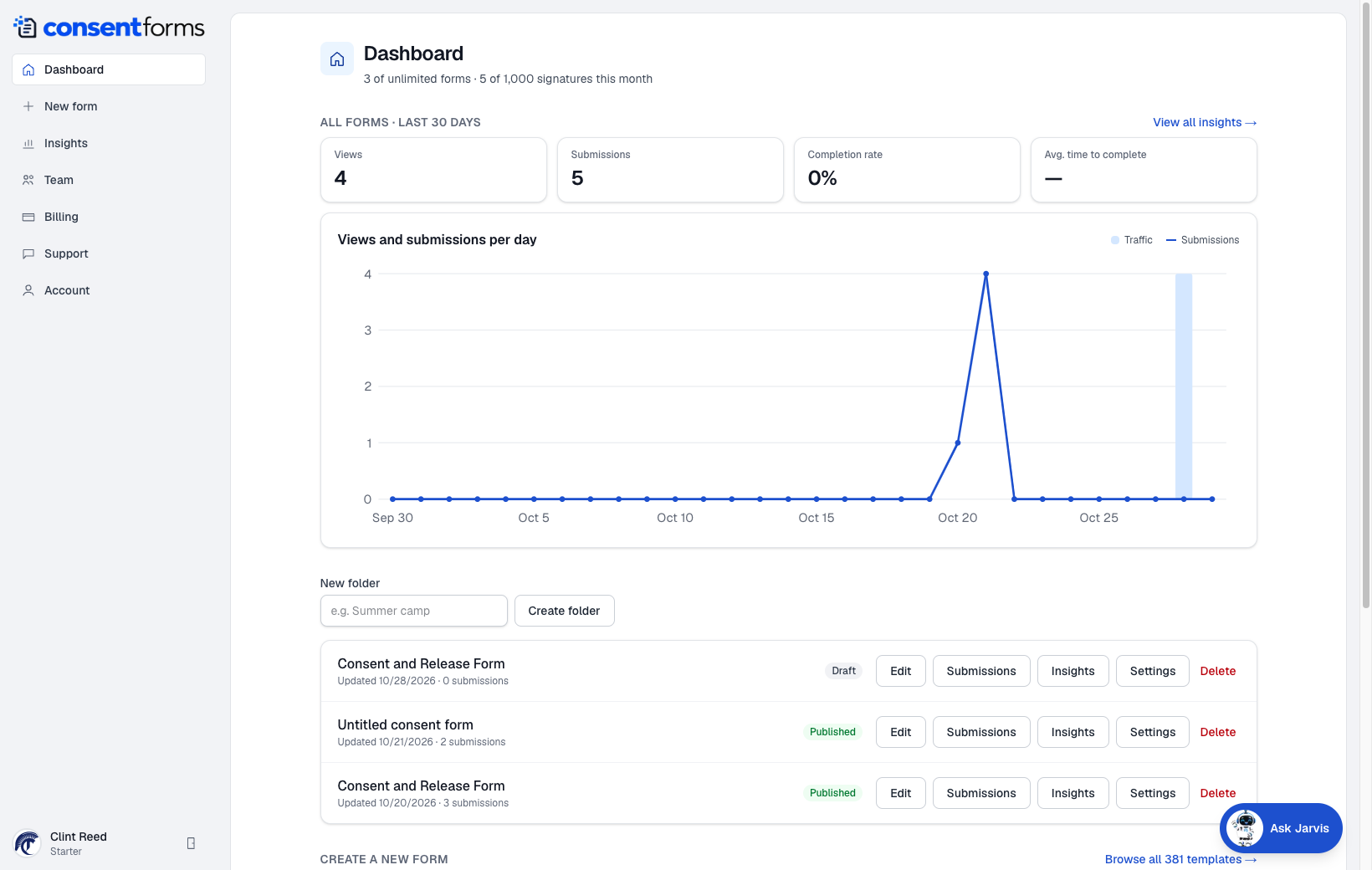
- 1New form — always in the left sidebar.
- 2View all insights for a longer date range and extra tabs.
- 3Type a folder name and Create folder. Drag is not required — assign a folder when you edit the form, or keep them unfiled.
- 4Edit opens the builder. Draft vs Published is the pill on the row.
Folders
Folders are labels, not copies. Delete a folder and the forms stay — they just go back to unfiled. Use names like a season, a location, or a service (Summer camp, Downtown studio).
Deleting a form
Delete on the row is permanent for that form's questions, submissions, and files. Export a CSV first if you might need the answers. Only managers and above can delete.