
Read Insights
Traffic, completion rate, devices, countries, and time spent — for one form or all of them.
Insights covers the whole workspace. Each form also has its own Insights from the dashboard row. We do not count your own visits while you are signed in.
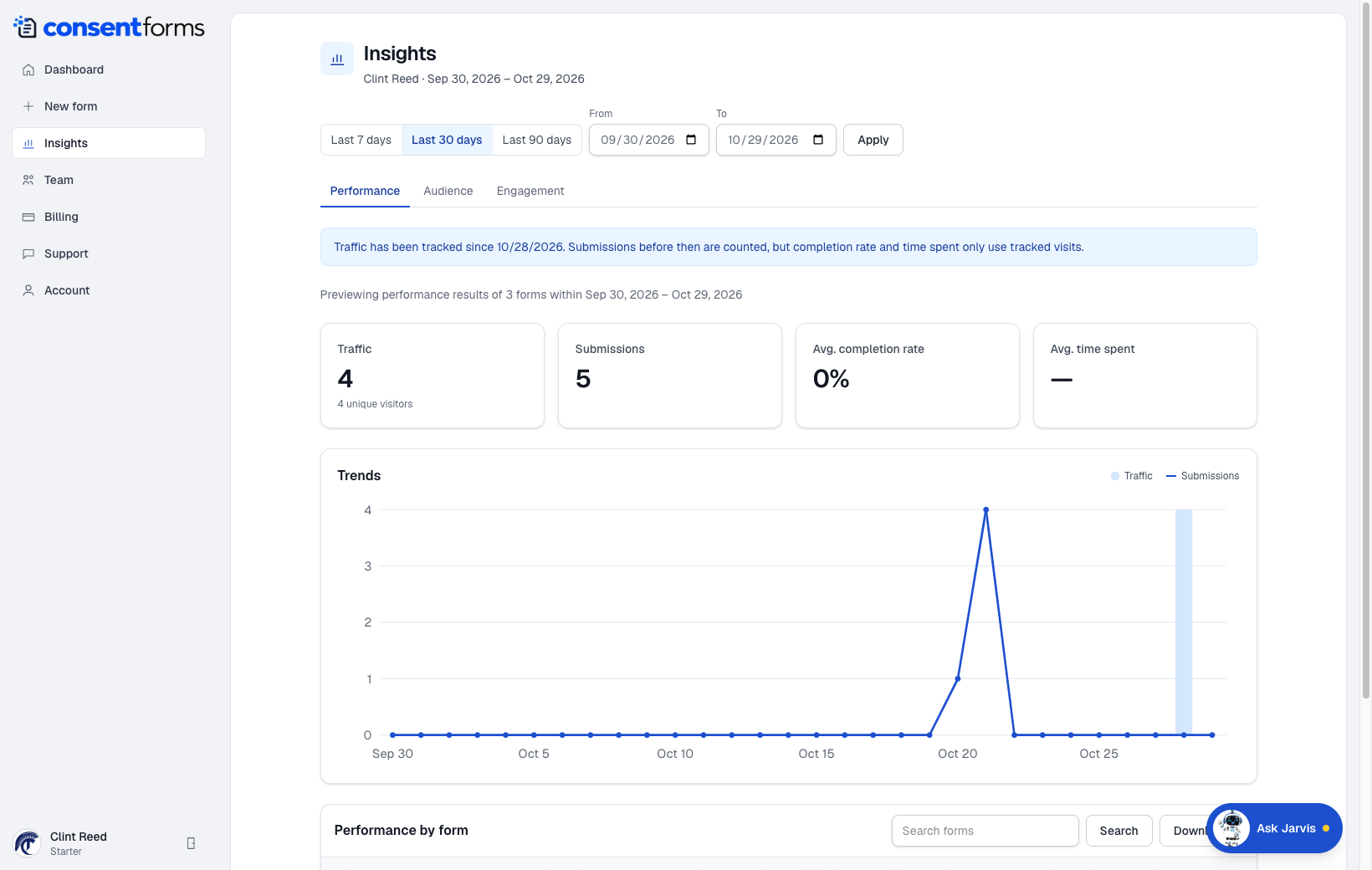
- 1Last 7 / 30 / 90 days, or pick From and To and Apply.
- 2Audience — device, browser, and a country map.
- 3Engagement — time spent and visit history.
- 4Download the current table. Search filters the form list first.
What the numbers mean
- Traffic — unique visitors who opened a published form.
- Submissions — completed signatures in the range.
- Completion rate — submissions divided by tracked visits. If someone bookmarks kiosk and submits all day, the rate can look unusual — that is expected.
- Avg. time spent — how long tracked visits stayed on the form.