
Kiosk mode on an iPad
Bookmark the kiosk URL at the front desk so each client starts a fresh form.
Kiosk mode is the same published form, full screen, with a Next client reset so the next person at the counter does not see the previous answers. Bookmark it on the shop iPad (or Android tablet) and add it to the home screen.
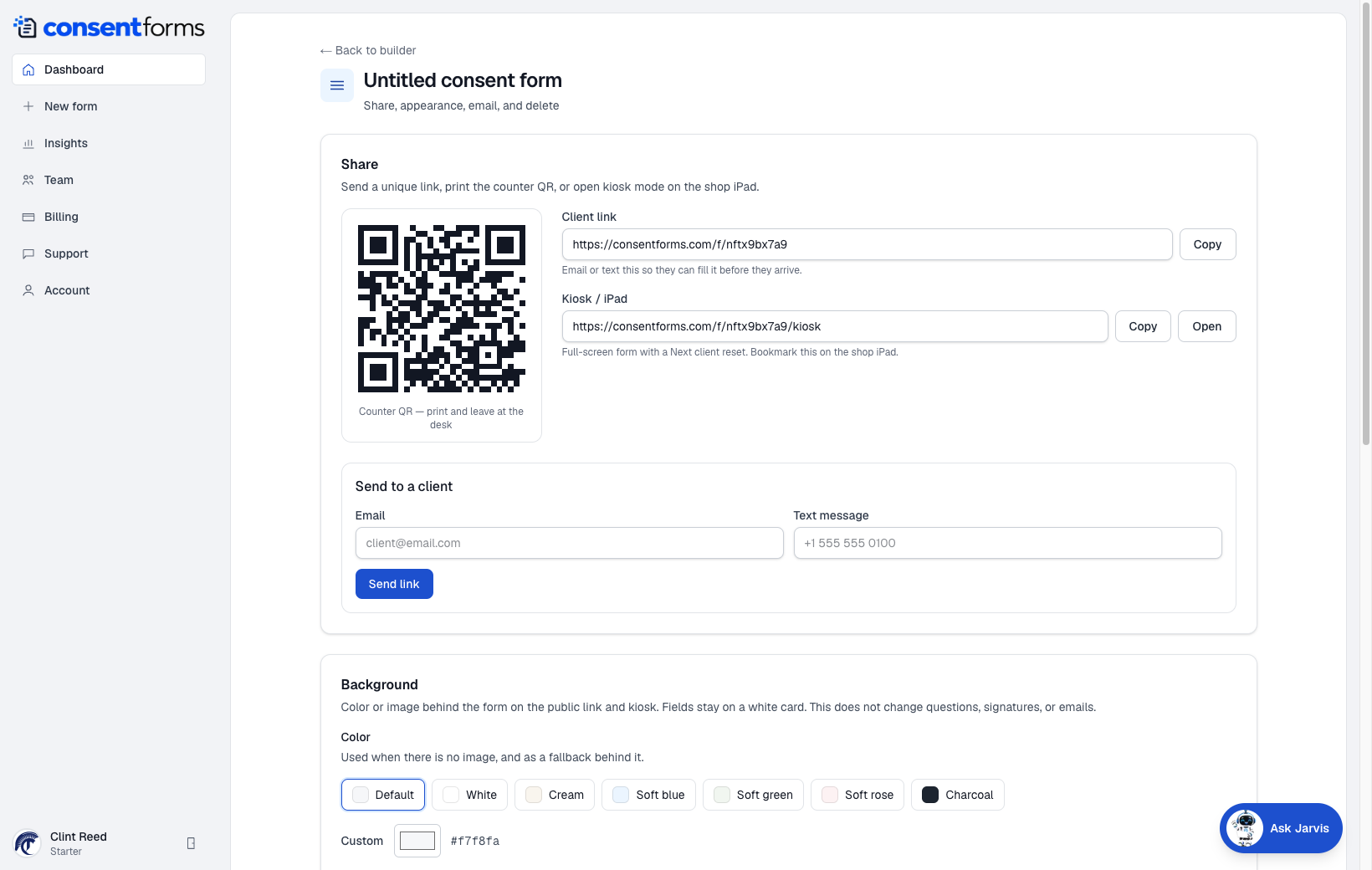
- 1Copy or Open the Kiosk / iPad URL. It ends with /kiosk.
- 2The QR still goes to the ordinary client link — use that for phones, kiosk for the counter.
Set up the iPad
- Publish the form first.
- On the iPad, open the kiosk URL from Settings. Add to Home Screen in Safari.
- Turn on Guided Access if you do not want clients leaving the form.
- After each signature, the thank-you page should offer Next client (or Fill again) so the form clears.